14. Android widgets
With an Android phone or tablet, create home screen widgets to see key info from your Victron Bluetooth Smart devices at a glance.
Note
The widgets described here are VictronConnect widgets, which are not the same as the VRM widgets.
14.1. Setup
Follow these steps to create a widget for your home screen:
| 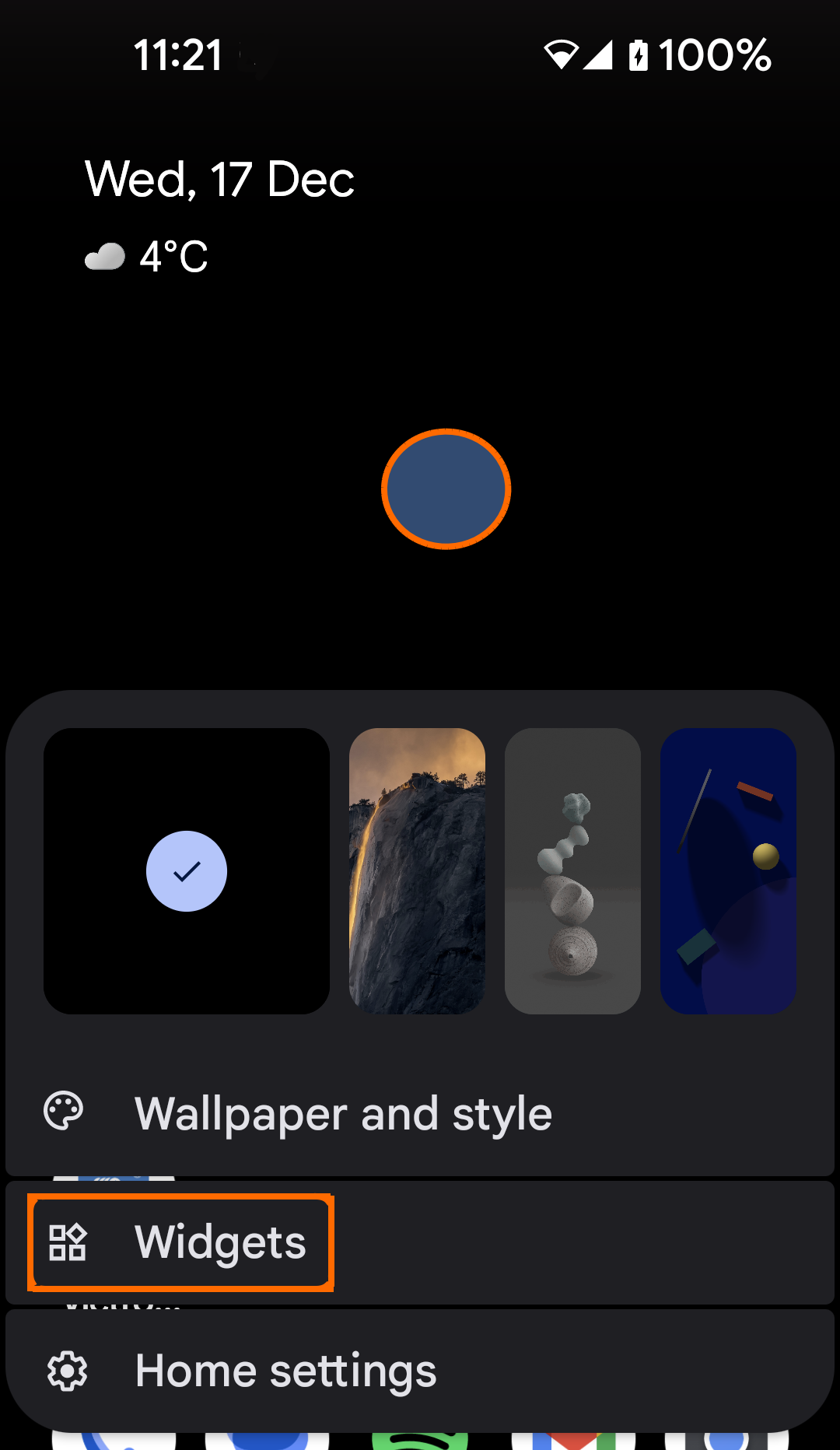 |
A list of apps will appear.
| 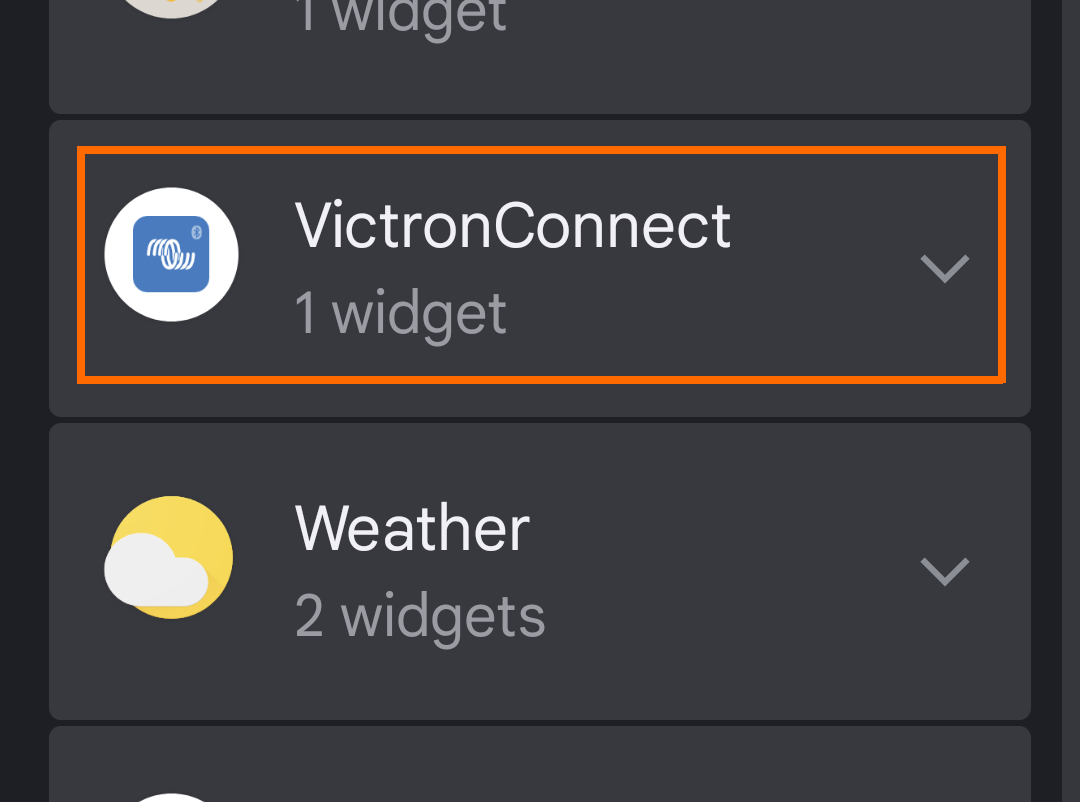 |
A list of available widget templates will be presented. | 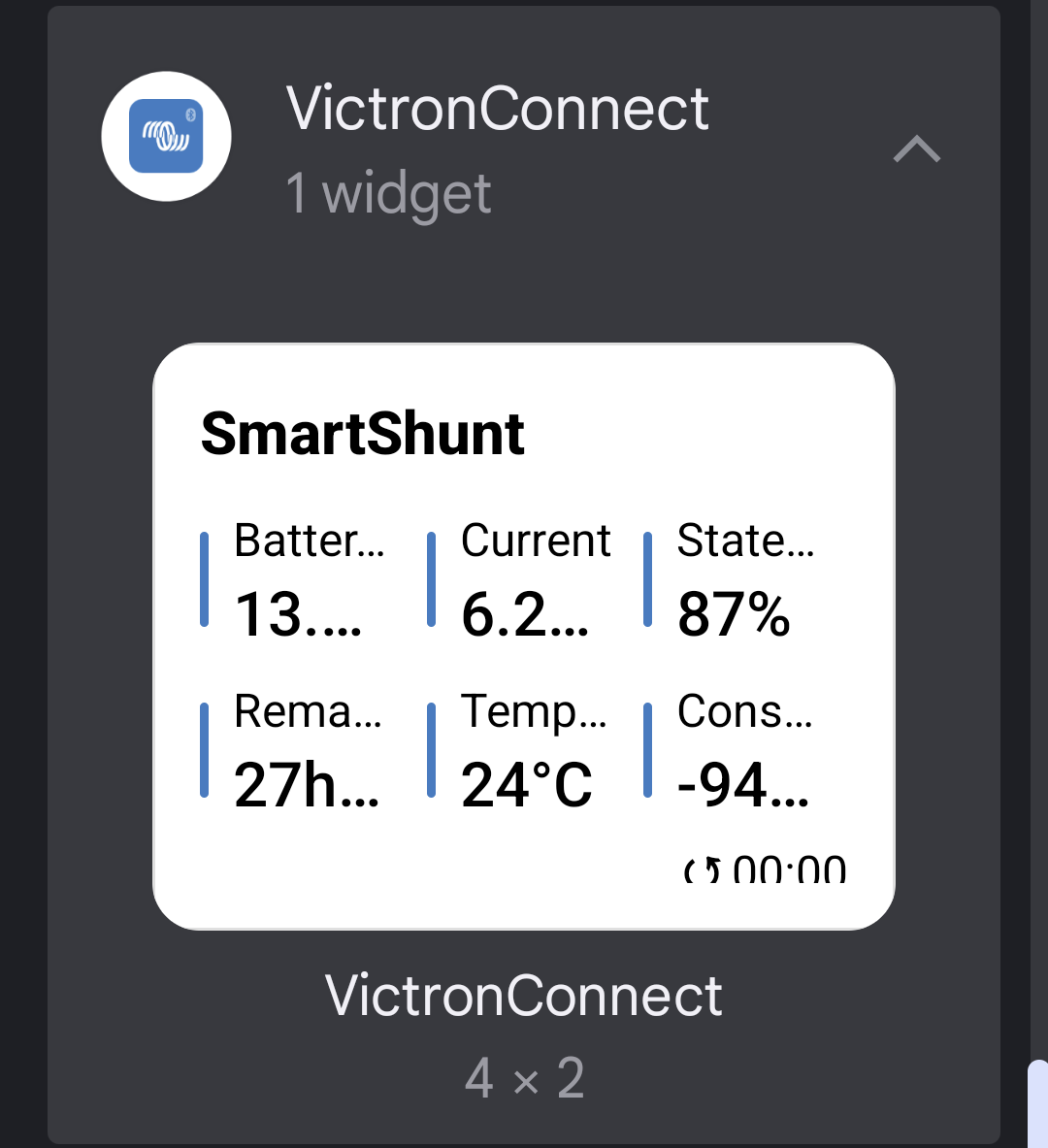 |
| 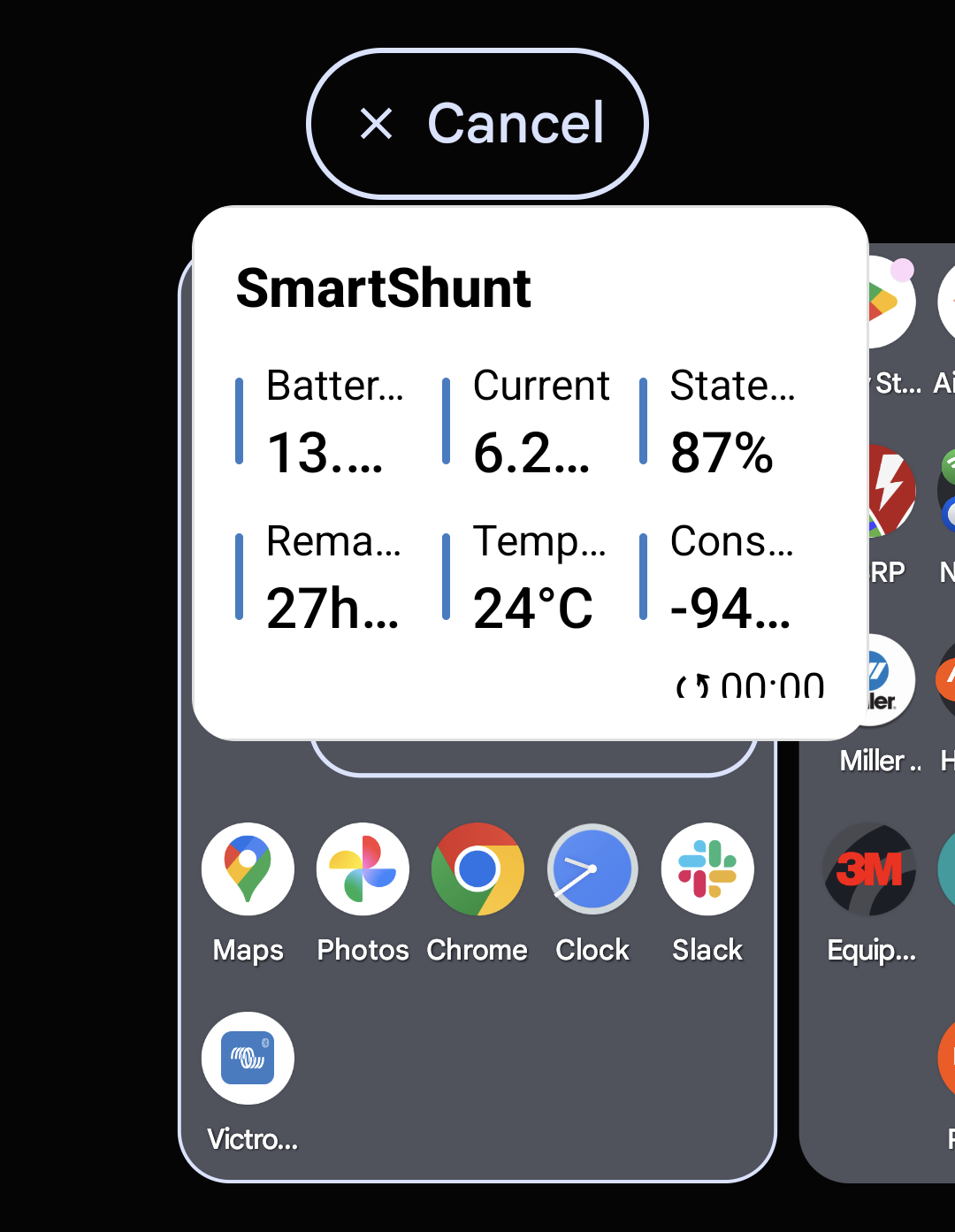 |
When you release the widget, you can select a device to display its data.
| 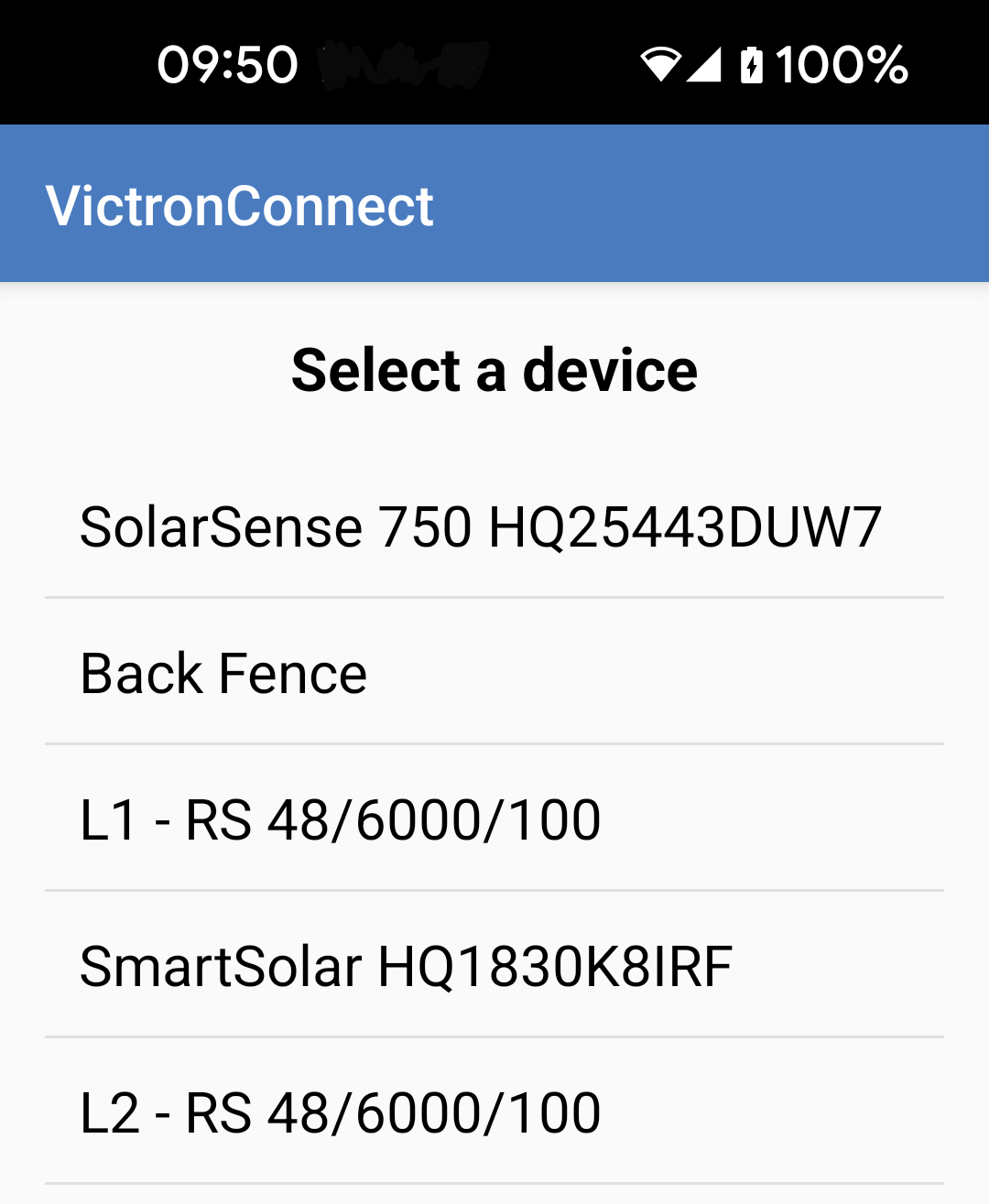 |
You can resize the widget by dragging its handles. | 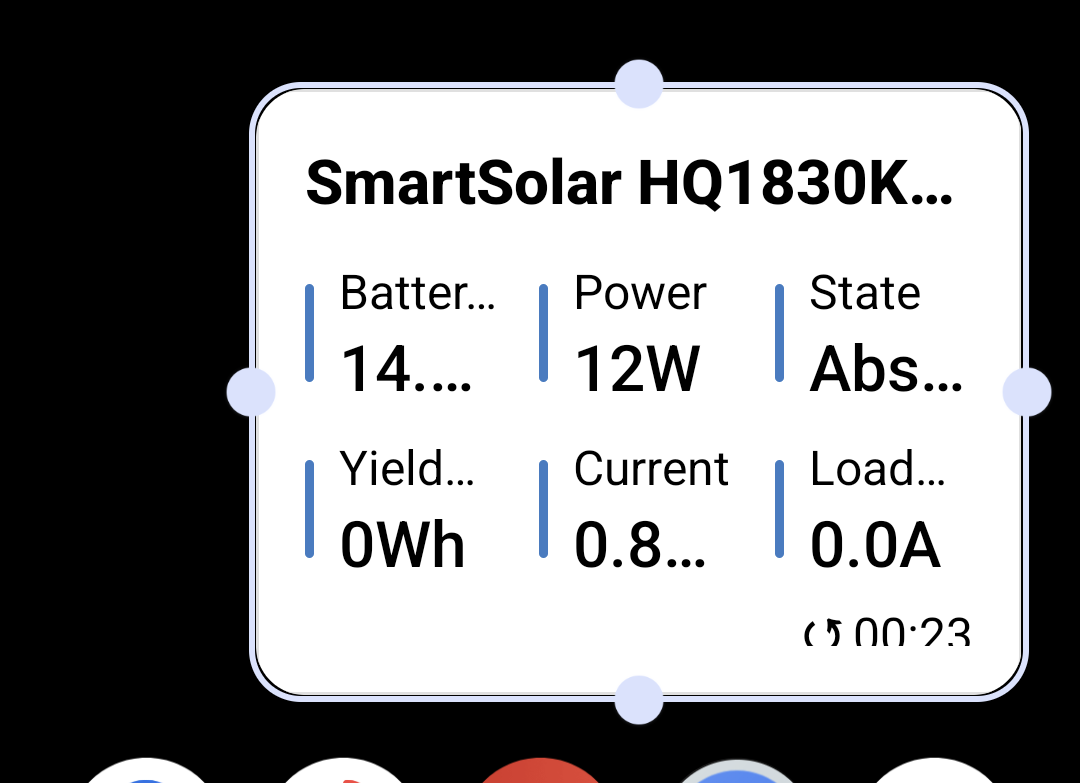 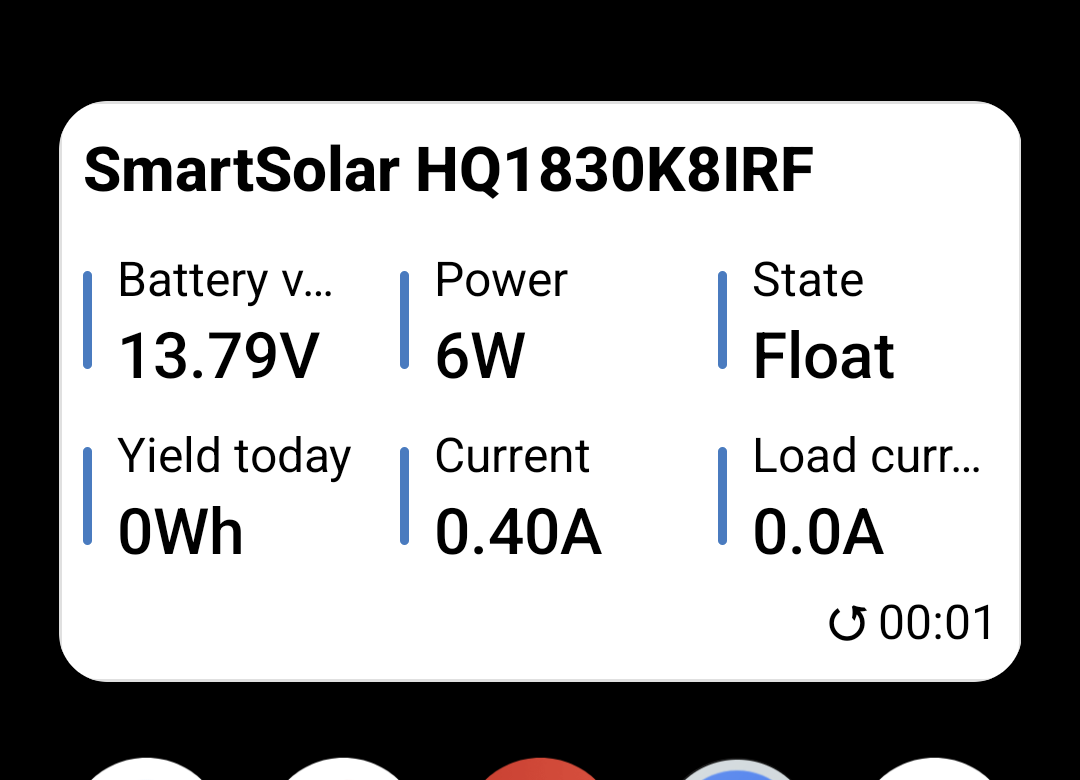 |